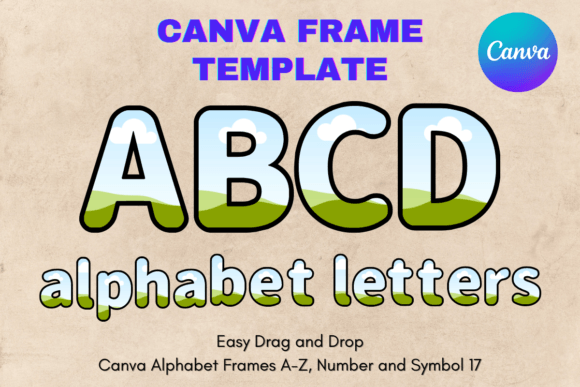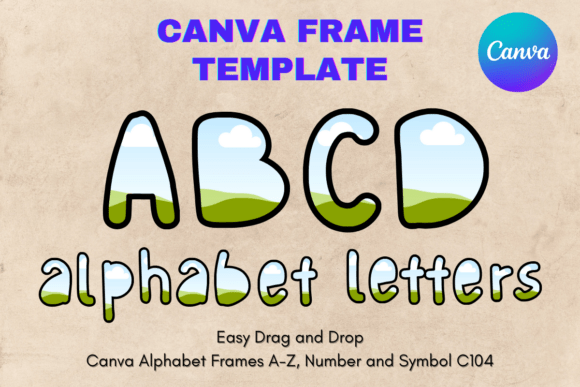
Create Custom Lettering with Canva Letters Frame Alphabet Template104
When you need custom lettering for a project but lack advanced software skills, finding a flexible solution is key. The Canva Letters Frame Alphabet Template104 offers a distinct approach for creators who want full control over their typography without the steep learning curve. This isn't a standard downloadable font file; it's a digital asset designed for the Canva platform, giving you an editable canvas for each letter of the alphabet.
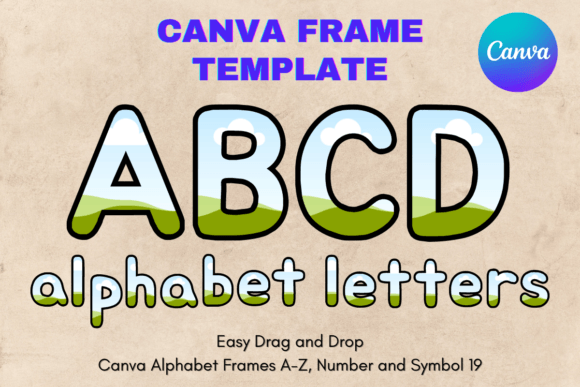
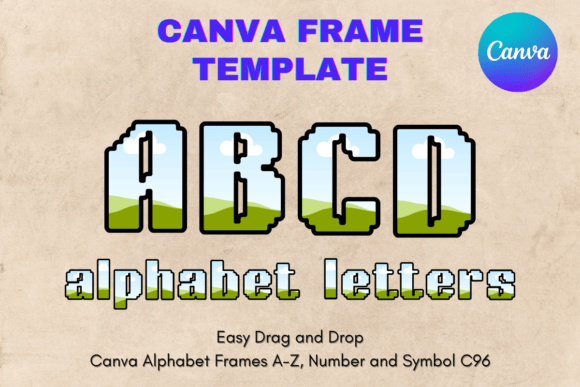
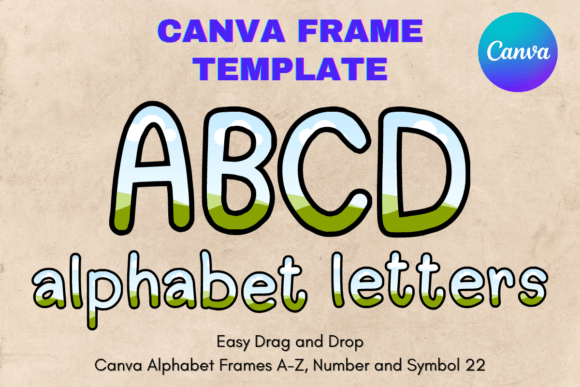
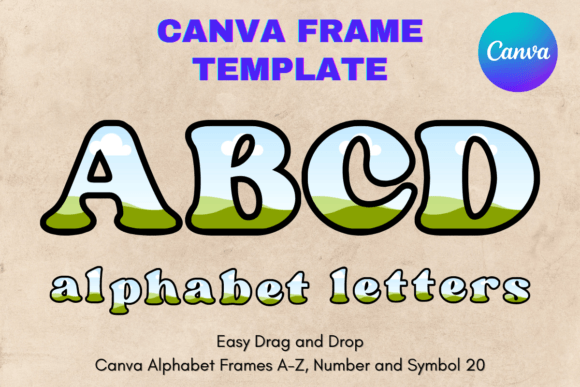
Imagine having a complete set of letter-shaped frames. You can fill these frames with your own images, textures, colors, or patterns to create truly personalized typography. This method is perfect for crafting unique logos, standout social media posts, custom merchandise designs, and branded materials. The template provides the structure, and you provide the creativity.
Understanding the Digital Template and Its Visual Style
It's crucial to understand what you're getting with this product. You will receive a single PDF file containing a link to your custom Canva template. There is no physical product, no props, and no traditional font files like PNG or SVG. The value lies in its editable Canva frame nature. The template is set up on an 8.5x11 inch canvas, a standard size that makes it easy to print directly or resize for other uses.
The visual character of the letters themselves is modern and versatile. The frames typically feature clean lines and balanced proportions, making them suitable for a wide range of applications. They are not overly ornate or childish, which allows them to adapt to both professional and playful contexts. Think of them as a modern typography skeleton. The personality of your final design comes entirely from how you choose to fill and style the frames within Canva.
Practical Applications for Designers and Entrepreneurs
The real-world uses for this type of design asset are extensive. For logo design, you can create a monogram or wordmark where each letter contains a relevant image—like a coffee bean texture for a café logo. In editorial design, use it for bold chapter titles or pull quotes in a digital magazine. The template shines in creating social media graphics, allowing you to make eye-catching announcements where letters are filled with event photos or brand colors.
Small business owners will find it invaluable for packaging design. Imagine product names where the letters are filled with ingredients or patterns from your brand kit. It’s also a powerful tool for creating consistent brand identity materials, from business cards to website headers. The drag-and-drop interface in Canva makes the process accessible, even for those without a background in graphic design.
Integrating the Template into Your Design Workflow
Using the Canva Letters Frame Alphabet Template104 effectively involves a few practical steps. First, access the template via the link provided in your PDF. Once in Canva, you’ll see each letter as a separate, editable frame. To use them, simply drag your chosen photo, texture, or color fill onto a letter frame. Canva’s intuitive tools allow you to adjust the positioning and scale of the fill within the frame.
A key strength is its role in font pairing. These custom letters often work best as a display font for headlines, paired with a clean sans serif font or serif font for body text. This contrast ensures your main message grabs attention while remaining readable. Always test your design at different sizes, especially if you plan to use it for both web design and print. The transparent background layer is particularly useful for layering your text over other design elements seamlessly.
Key Considerations Before You Create
Before diving in, evaluate if this template fits your project’s needs. It excels when you need unique, image-based lettering. If you require a standard, uniform typeface for long paragraphs, a traditional premium font might be better. Consider your audience: a playful, textured fill might engage a younger demographic, while a sleek, color-filled letter could appeal to a corporate audience.
Remember that this is a commercial font alternative in template form. You are licensed to use the designs you create for both personal and commercial projects, which is a significant advantage for entrepreneurs and content creators. The template sizes are approximate and can be scaled up or down, offering flexibility for projects ranging from small stickers to large posters. This adaptability, combined with Canva’s user-friendly environment, makes it a practical tool for adding a unique typographic element to your creative toolkit.