Designing with Nostalgia: The Varsity Teacher Canva Frame Template
There is a specific feeling that comes with seeing a classic collegiate letterman jacket or an old chalkboard. It evokes a sense of tradition, achievement, and vintage authority. If you are trying to capture that specific aesthetic for a digital project, you need the right design assets. The Varsity Teacher Canva Frame Template bridges the gap between retro typography and modern digital workflow. It is not just a static image; it is a dynamic tool designed to give your projects a distinct, nostalgic edge without the hassle of complex software.
Understanding the Product
When you purchase this asset, the process is straightforward but requires attention to detail. You will receive 1 zip file that you must unzip to access the contents. Inside, you will find 1 PDF file. This document serves as your gateway to the actual design tool. It contains a direct link that grants you access to the Canva frame templates.
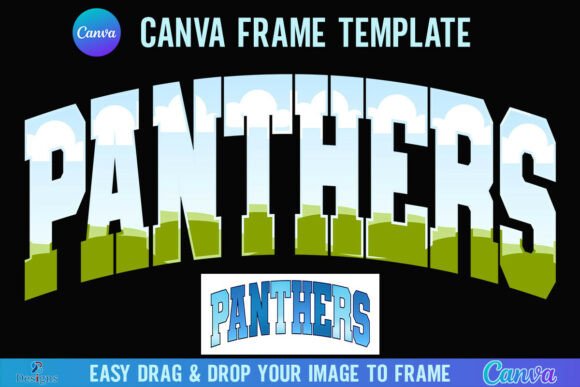
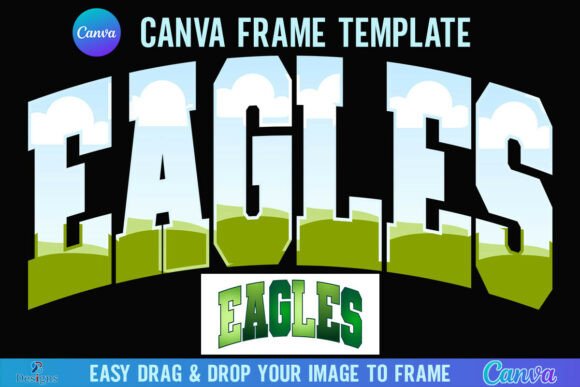
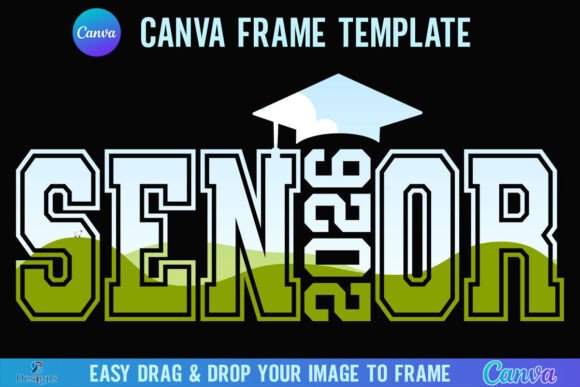
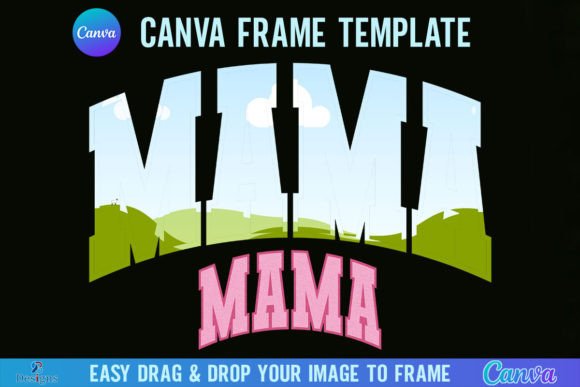
Once you click that link, you are taken into the Canva ecosystem. The template is built on a 4000x4000 px canvas. This large resolution is crucial for versatility. Whether you are creating high-resolution prints or cropping for social media, the square aspect ratio and massive pixel count ensure your designs remain crisp and professional. The core functionality relies on the "drag and drop" mechanic. You simply take any PNG or JPG background image and drop it into the frame. The mask applies automatically, instantly transforming your photo into the shape of the Varsity Teacher design.
The Aesthetic: Blending School Spirit with Professional Design
Visually, this template leans heavily into the "letterman" style. It features thick, bold strokes that mimic the embroidery found on jackets or the heavy ink of a vintage stamp. It is a display font style template, meaning it is built for impact rather than body text. The personality of the design is confident and energetic. It speaks to achievement, whether that is academic success, sports victories, or business milestones.
Unlike a delicate script font or a clean sans serif font, this template demands attention. It works exceptionally well for headers, hero images, and logos where the goal is immediate recognition. If you are building a brand identity that centers on coaching, education, fitness, or heritage, this visual style fits perfectly. It communicates that your brand is established and authoritative.
Practical Applications for Creators and Entrepreneurs
The utility of the Varsity Teacher Canva Frame Template extends across various industries. Here is how different professionals can leverage this asset:
- Social Media Graphics: Content creators on Instagram or TikTok can use this to create bold headers for announcements. Imagine a graduation sale or a fitness challenge announcement using this frame. The visual hierarchy is instantly established because the shape is recognizable.
- Packaging Design: Small business owners selling merchandise, such as stickers, mugs, or apparel, can use the transparent background version (requires Canva Pro) to print directly onto products. The vintage typography style adds a premium feel to physical goods.
- Editorial Design: Bloggers and magazine publishers can use this as a decorative element in digital layouts. It breaks up the monotony of standard text blocks and adds a tactile, almost 3D effect to flat pages.
- Logo Design: While you should customize it heavily to ensure uniqueness, the shape serves as a fantastic starting point for a mascot logo or a monogram for a school or sports team.
Technical Considerations and Workflow
Before diving in, it is important to manage expectations regarding the technical specifications. This is a digital product; no physical frames will be shipped. It is specifically a Canva Frame Template. This distinction matters for your workflow.
Software Compatibility:
This file is not an SVG. Therefore, it is not suitable for use with Cricut Design Space or Silhouette cutting machines. If you are a crafter looking to cut physical vinyl or paper shapes, this specific file will not work with your hardware. It is strictly for digital design within Canva.
Account Requirements:
You will need a FREE Canva account to open and edit the template. This makes it accessible to almost everyone. However, there is a limitation regarding transparency. If your project requires a transparent background—for example, to place the frame over a complex website background without a white box around it—you must have a Canva Pro version or higher. Free users will likely export with a solid background color.
Tips for Best Results
To get the most out of this design asset, consider these practical tips:
- Image Selection: Because the frame is bold and textured, choose background images with high contrast. A photo with too much detail might get lost behind the heavy "stitching" effect of the frame.
- Color Coordination: While the template has its own colors, you can often adjust elements within Canva. Try to match the frame colors to your brand palette for consistency.
- Testing: Before finalizing a design, view it on a mobile device. The 4000x4000 size is large, so ensure the text or the masked image remains legible when scaled down to a phone screen.
Conclusion
The Varsity Teacher Canva Frame Template is a specialized tool for those who want to evoke a sense of classic Americana and achievement. It simplifies the process of creating complex-looking masked images. By understanding the file requirements—specifically the need for Canva Pro for transparent exports and the incompatibility with cutting machines—you can integrate this asset smoothly into your creative projects. Whether you are designing for a local sports team, a tutoring service, or a retro-themed brand, this template offers a quick and effective way to elevate your visual storytelling.