Graduation Brushstroke Canva Frame: A Dynamic Design Asset
When a milestone like graduation rolls around, the visual language needs to be just as impactful as the achievement itself. You aren't just looking for a border; you are looking for a statement. The Graduation Brushstroke Canva Frame offers a solution that sits right at the intersection of artistic flair and practical utility. It captures that celebratory energy with a hand-painted aesthetic, but it is delivered as a flexible, digital tool designed for the modern creator. If you are a designer, entrepreneur, or content creator, this asset bridges the gap between raw creativity and polished execution.
Understanding the Digital Canvas
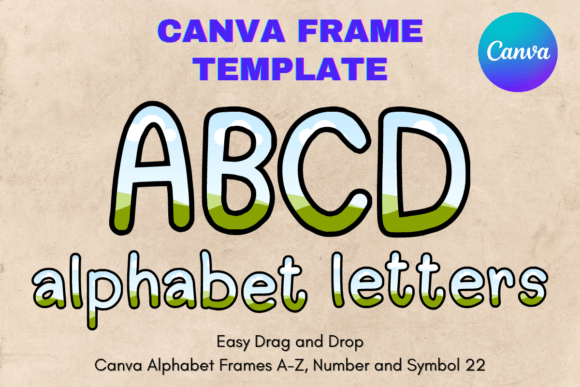
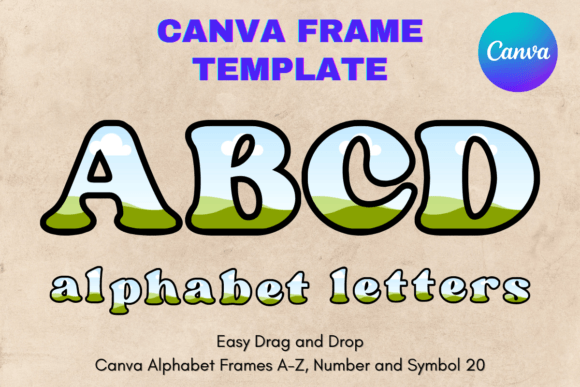
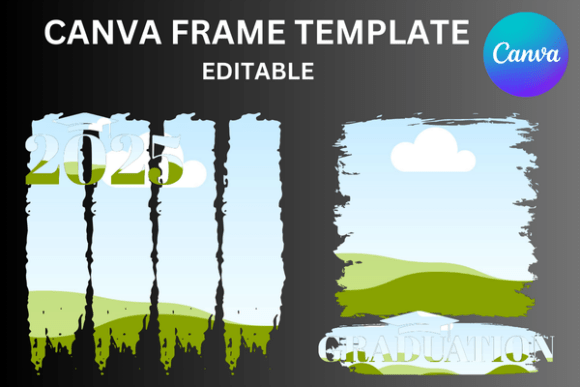
First, let’s clarify exactly what this asset is, because the nature of the file dictates how you use it. This is a digital file only. You will not receive a physical product or any props. Upon purchase, you will receive a ZIP file containing 2 PDFs. These are not standard image files like PNGs or SVGs; they are custom-made editable Canva frame templates.
The workflow is incredibly streamlined. You download the PDF, open the link within it to load the template directly into your Canva account, and you are ready to go. The core appeal here is the "brushstroke" element. It mimics the organic texture of ink or paint, providing a tactile feel that rigid geometric borders lack. It feels human. This texture is perfect for creating a visual hierarchy that draws the eye immediately to the center content, whether that is a photo of a graduate or a piece of typographic art.
Visual Style and Personality
The personality of the Graduation Brushstroke Canva Frame is celebratory yet sophisticated. It avoids the trap of looking too childish or overly generic. The brushstrokes suggest movement and excitement—perfect for graduation—but the design maintains a clean, professional perimeter. This makes it a versatile design asset.
Visually, it works exceptionally well as a display element. Because the frame has such a distinct texture, it pairs beautifully with cleaner fonts. If you are working on social media graphics, this frame can serve as the anchor for your layout. It provides enough visual interest to stop the scroll without overwhelming the message. It is a prime example of how a single asset can elevate a simple composition into something that feels curated and intentional.
Practical Applications Across Industries
For the entrepreneur or small business owner, this frame is a workhorse for seasonal marketing. Graduation season is a massive commercial window, and having high-quality, editable templates ready to go saves valuable time. You can use these frames for:
- Promotional Flyers: Create instant flyers for graduation parties, photo studio mini-sessions, or retail sales events.
- Social Media Content: Design Instagram Stories or Facebook posts that look custom-made.
- Digital Invitations: Send out polished digital invites via email or messaging apps.
- Photo Overlays: Photographers can use these frames to present client proofs in a creative way.
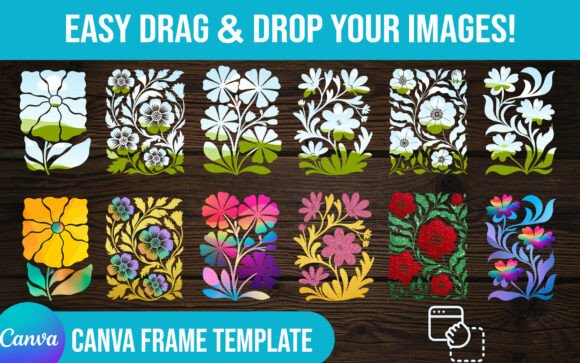
For the hobbyist or crafter, the utility lies in the customization. Because the templates are drag-and-drop editable, you can resize them to suit your specific needs. The sizes provided are approximate, meaning you can scale them up or down. This flexibility is crucial when you are working on varied dimensions, such as a square Instagram post versus a vertical Pinterest pin.
The Canva Workflow: Editability and Ease
One of the strongest selling points of the Graduation Brushstroke Canva Frame is the ease of use within the Canva ecosystem. Canva has democratized design, and this template leverages that platform perfectly. You don't need to be a Photoshop expert to make changes. You simply click on the elements you wish to alter.
While the file is delivered as a PDF containing a Canva link, once inside the editor, the experience is seamless. You can change the template elements as many times as needed. This is particularly useful for marketers running A/B tests. You might want to test a dark background versus a light background within the same frame structure. With this editable template, that process takes seconds, not hours.
Design Considerations and Pairings
When integrating this frame into your broader brand identity, consider the surrounding typography. Because the frame itself is organic and textured, you want your text to complement it, not compete with it.
- For a Modern Look: Pair the brushstroke frame with a clean, geometric sans serif font. The contrast between the organic frame and the structured text creates a dynamic tension that looks very contemporary.
- For a Classic Look: If the graduation theme is more traditional (think ivy league or formal), pair the frame with a classic serif font. This adds a layer of timeless elegance.
- For a Playful Look: If the vibe is more casual, a script font or handwritten font can work, but be careful with readability. Ensure the text is large enough to stand up against the texture of the brushstrokes.
Commercial Use and Final Thoughts
For designers and publishers, the ability to reuse assets is vital for profitability. Since you can change the template as many times as needed, a single purchase can yield dozens of unique designs for different clients or projects. Whether you are creating packaging design elements for a graduation gift box or editorial design elements for a yearbook, the Graduation Brushstroke Canva Frame provides a professional foundation.
Remember, this is not just a static image; it is a dynamic creative font and layout tool ecosystem. It is a premium font style asset designed for the digital age. It removes the friction from the creative process, allowing you to focus on the message. By utilizing these editable frames, you ensure that your graduation-themed content feels professional, cohesive, and visually engaging, regardless of your technical skill level.