Streamline Your Tumbler Designs with Canva Templates
Creating high-quality sublimation designs for tumblers often involves navigating complex software, precise measurements, and the constant worry of alignment errors. For designers, entrepreneurs, and hobbyists alike, the process can quickly become time-consuming. The Tumbler Sublimation Canva Design Pack offers a practical solution by providing a set of frame templates directly within Canva. This digital product is designed to simplify your workflow, allowing you to focus on creativity rather than technical setup.
What Exactly Is This Design Pack?
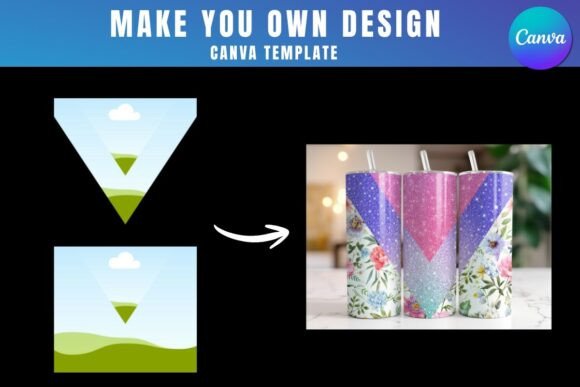
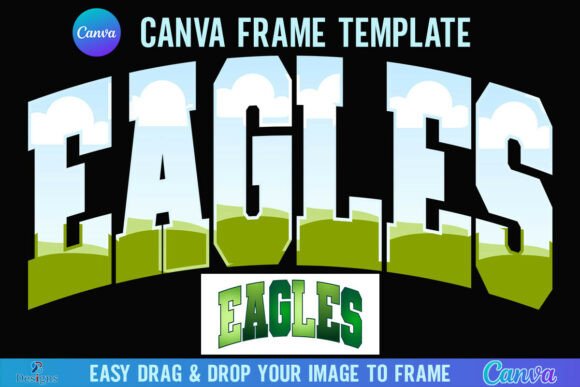
At its core, the Tumbler Sublimation Canva Design Pack is a collection of pre-formatted frame templates accessed through a link in a PDF. These templates are built to match the dimensions of popular tumbler sizes, ensuring your designs fit perfectly every time. The visual appeal lies in their simplicity and precision—clean, well-structured frames that act as a reliable foundation for your artwork. The personality of the pack is utilitarian and efficient; it’s not about flashy graphics but about providing a sturdy, professional scaffold for your own creative assets. The style is modern and clean, prioritizing function and ease of use, which makes it exceptionally versatile for a wide range of projects.
Where this pack truly shines is in its application. It’s an ideal asset for creating social media graphics showcasing your tumbler designs, developing consistent brand identity elements for a product line, or producing packaging design mockups. The templates work best for projects that require a structured, repeatable format. Think of launching a seasonal collection for an Etsy shop, designing branded merchandise for a client, or creating a cohesive set of gifts for an event. The frames ensure visual consistency, which is a cornerstone of professional editorial design and marketing materials.
Practical Guidance for Using the Templates
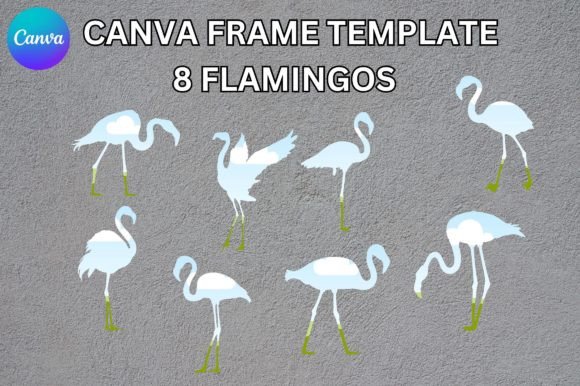
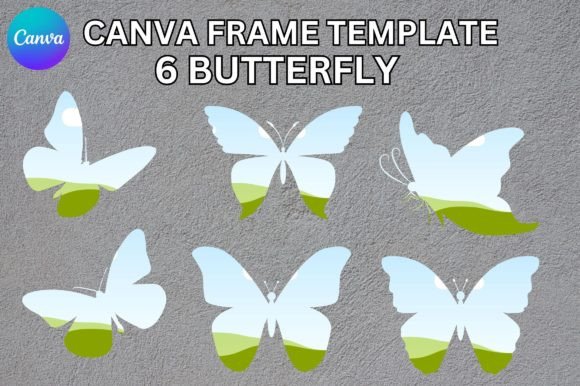
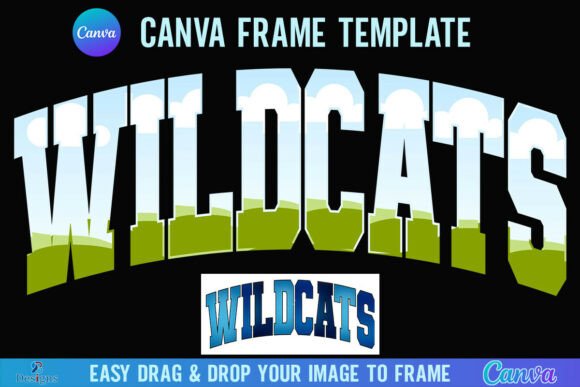
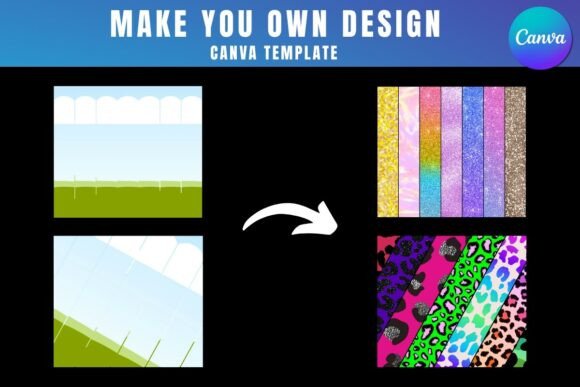
Getting started is straightforward, but a few key details will ensure a smooth experience. First, you’ll need a free Canva account to open and edit the templates. Once you access the link from the PDF, the frames are ready for you to customize. The primary function is to drag and drop your PNG or JPG background images directly into the frames. This intuitive process is perfect for those who may not be familiar with more advanced design software.
However, there’s an important consideration for the final output. To download your finished design with a transparent background—a necessity for many professional print and sublimation processes—you will need a Canva Pro account or a higher-tier subscription. This is a crucial detail for commercial use, as a transparent background allows the design to be applied seamlessly to the tumbler substrate without a white box around it. For personal projects where a solid background is acceptable, the free version of Canva will suffice.
It’s also vital to understand the product’s scope. This is a digital product; no physical frames are delivered. The templates are exclusively for use within Canva. They cannot be used as SVG files, nor are they compatible with cutting machines like Cricut or Silhouette. This specificity is actually a strength—it’s optimized for the Canva environment, making it incredibly accessible for a broad audience, from small business owners to content creators and crafters.
Integrating the Pack into Your Creative Workflow
Think of the Tumbler Sublimation Canva Design Pack not as a finished design, but as a powerful design asset that saves you hours of setup time. For a marketer or entrepreneur, this means you can rapidly prototype and visualize product ideas. Instead of spending 30 minutes creating a tumbler-shaped template from scratch, you can have a professional frame ready in seconds, letting you experiment with different background images, color palettes, and text placements.
The templates naturally encourage better visual hierarchy. Because the frame defines the safe area for your design, you’re guided to place your most important elements—the logo, key text, or focal graphic—where they will be most visible and impactful on the final physical product. This leads to more professional-looking results and stronger brand perception. Consistency is another major benefit. Using the same frame template across an entire product line or marketing campaign ensures every piece looks cohesive, which builds brand recognition and trust with your audience.
When evaluating if this pack fits your project, consider your primary output. If you regularly design for print-on-demand, sublimation, or physical products where template accuracy is paramount, it’s an excellent fit. For projects requiring complex vector manipulation or integration with vinyl cutters, you would need to look elsewhere. A practical recommendation is to test it with one of your common projects first. Import a favorite background image, add your text or logo elements, and see how the workflow feels. The efficiency gain is often immediately apparent.
Ultimately, the Tumbler Sublimation Canva Design Pack is about removing friction from the creative process. It provides a reliable, professional starting point that empowers you to produce better designs faster, whether you’re building a brand, fulfilling client orders, or simply exploring a creative hobby. By handling the technical groundwork, it allows you to dedicate more energy to the parts of design that truly matter: creativity, strategy, and connection with your audience.